Customization
It is very easy to customize MultiGPT than you thought. Let's start with basic customizations.
Change the header logo
We recommend you to use a logo of height 30px
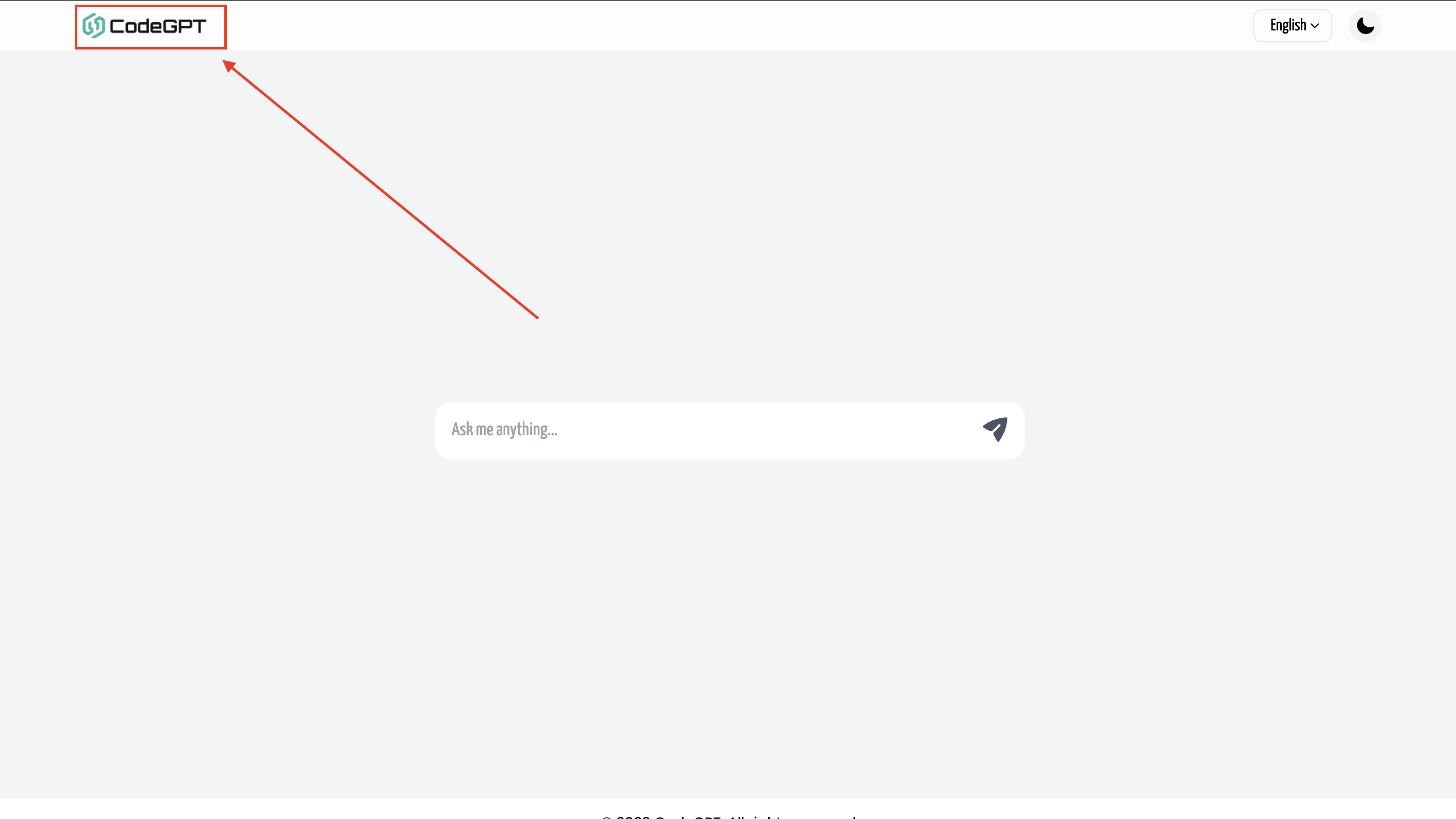
MultiGPT requires 2 logos one for the light theme and another for the dark theme. There the 2 ways to change the header logo. Let's see how we can do that.
Method 1
Change the main logo files
- Open the project directory
- Visit the folder
./public/ - Here you will find 2 files named
logo-dark.png&logo-light.png.noteThe
logo-dark.pngis the dark logo that is displayed on light theme and thelogo-light.pngis the light logo that is displayed on dark theme. - Change them with your files.
Method 2
Edit the code
- Open the project directory
- Upload you logos to
./public/folder. But you can also use files from remote url. - Open the header component from
./src/components/layout/header.js - Replace the
<img/>tag'ssrcattribute value with your new value
Change the favicon
Replace ./public/favicon.ico with your own favicon on edit the code of ./src/pages/_document.js and replace the favicon url with your own custom favicon
Edit other texts
All texts including the footer copyright text can be change using via the translations
Now let's move on to the next part core configuration